Electronics development,reimagined.

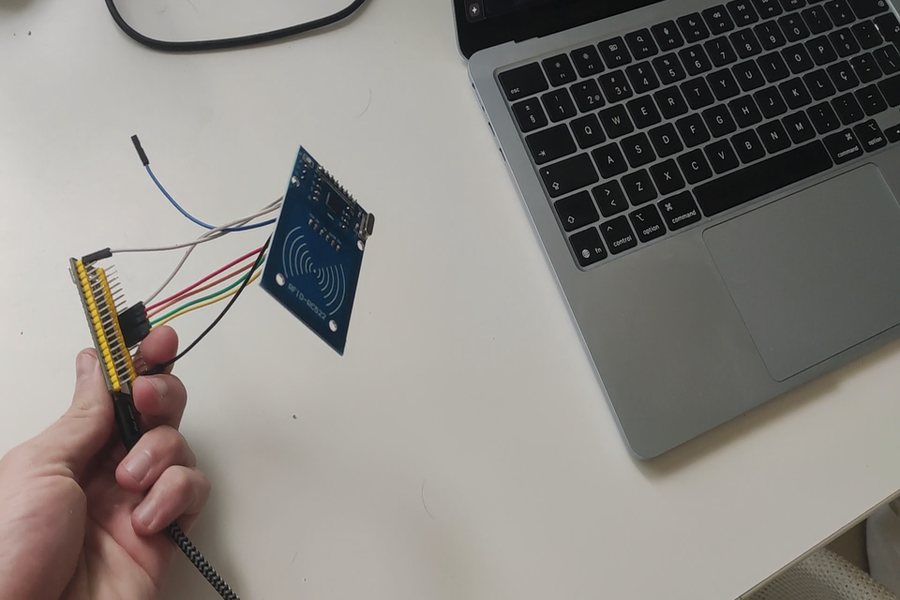
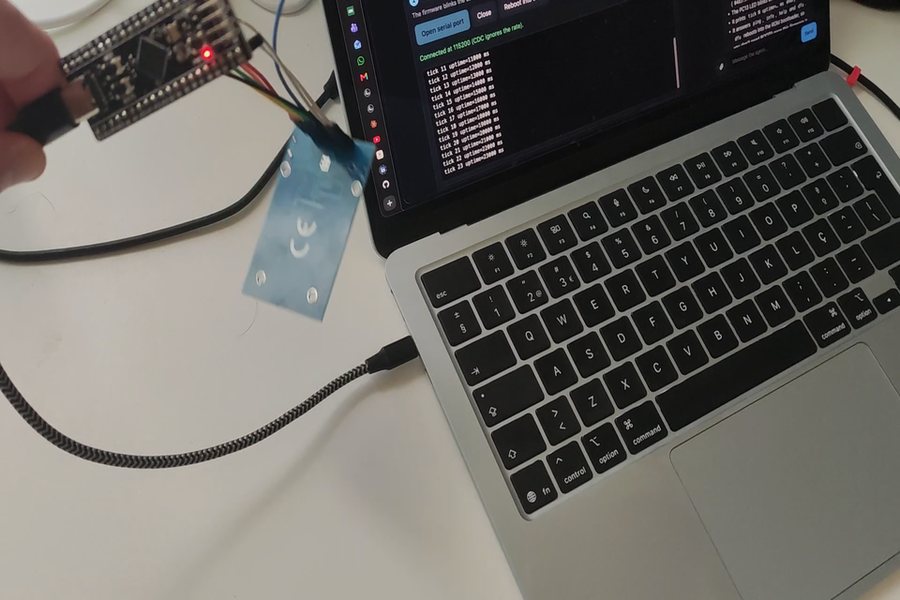
EMWaver turns supported MCU boards into a scriptable hardware lab. Plug in, run local JavaScript scripts, and explore real electronics without accounts, cloud activation, or firmware toolchains.

Why EMWaver
One platform, three ideas.
01 · Build

Plug in and start building.

Pick a board, run scripts in minutes.

Grab a supported ESP32, ESP8266, or STM32 build, open the native app, and you are running local scripts on real hardware — no accounts, no cloud, no toolchain setup to fight first.

Open Build
Plug in and start building.
02 · Local-first

Your computer stays in charge.

No accounts. No cloud activation. No relay.

EMWaver runs from native apps on your own machine. The host owns UI, storage, and orchestration while supported boards handle the timing-sensitive hardware edge — USB-first, with BLE and Wi-Fi where boards support them.

Install the app
Your computer stays in charge.
03 · Open hardware

Boards designed for scripting.

ESP32, ESP8266, STM32, and EMWaver modules.

EMWaver supports a growing catalog of open boards — from ESP32-family and ESP8266 dev boards to purpose-built EMWaver modules — each with platform-managed firmware so the workflow stays script-first.

See the devices
Boards designed for scripting.
04 · Desktop MCP

MCP tools without app chat.

Expose local tools only when you enable them.

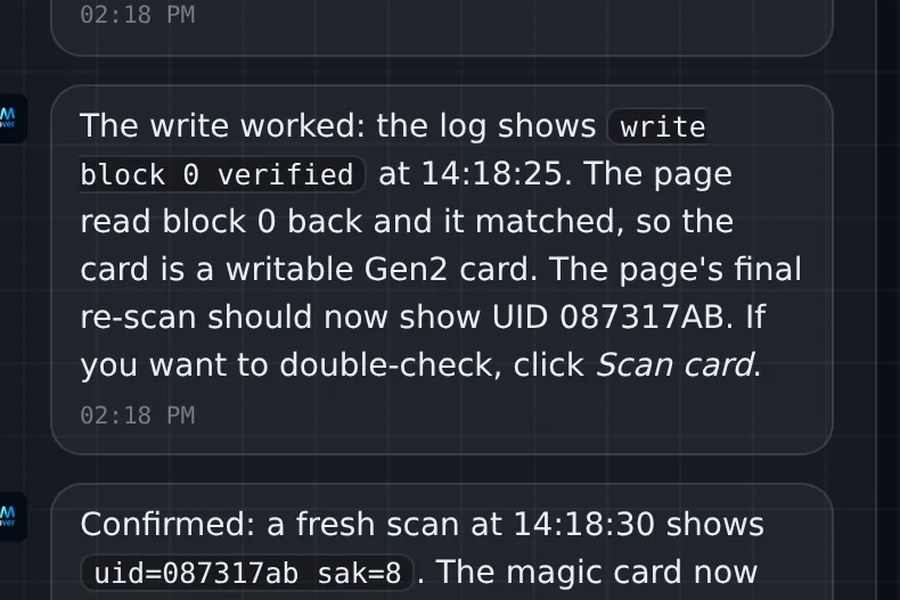
Desktop EMWaver apps can expose a local MCP bridge with named tools like spi_transfer, gpio_read, analog_read, run_script, and device_state. MCP clients use those tools to turn working flows into reusable local .js scripts with UI controls and live plots.

Read the docs
desktop mcp · tool loop
you ›Find this SPI sensor and read its ID register.
callgpio_write(CS, LOW)
callspi_transfer(0x9F)
0xEF 0x40 0x18 · chip identified
callanalog_read(A0)
2.48 V
mcp client ›Writing dashboard.js — buttons, live plot, log viewer.
mcp client ›
01
02
03
04
Trailer

See EMWaver in motion.

The launch trailer is the fastest way to understand EMWaver: a phone-first, script-first electronics platform that keeps local hardware control open and immediate.

Open on YouTube
Different from handhelds and dev boards

Why EMWaver over Flipper Zero or Arduino?

EMWaver is not a Flipper clone and not a conventional MCU board workflow. It uses the host for the things hosts are good at, then keeps hardware interaction scriptable and local.

Interface

EMWaver
Full host screen
Flipper Zero
128x64 monochrome
Arduino
External serial monitor or add-on display

Storage

EMWaver
Local host filesystem
Flipper Zero
SD card
Arduino
Limited board flash unless you add storage

AI workflow

EMWaver
Optional desktop MCP tools
Flipper Zero
None built in
Arduino
External tools only

Development

EMWaver
Instant local JavaScript scripts
Flipper Zero
Firmware build/flash for deeper changes
Arduino
Sketch compile/upload loop

Hardware model

EMWaver
Multiple supported boards
Flipper Zero
Single handheld device
Arduino
Many boards, fragmented workflows

Core access

EMWaver
Account-free local control
Flipper Zero
Device-local
Arduino
Account-free local control
Get started

Bring up a local electronics lab in three steps.

Build your local hardware lab.

Pick a board, install the app, and start running real electronics from local scripts — open hardware, no accounts, no cloud.